
Why Is My Inverter Not Charging the Battery? Causes & Fixes
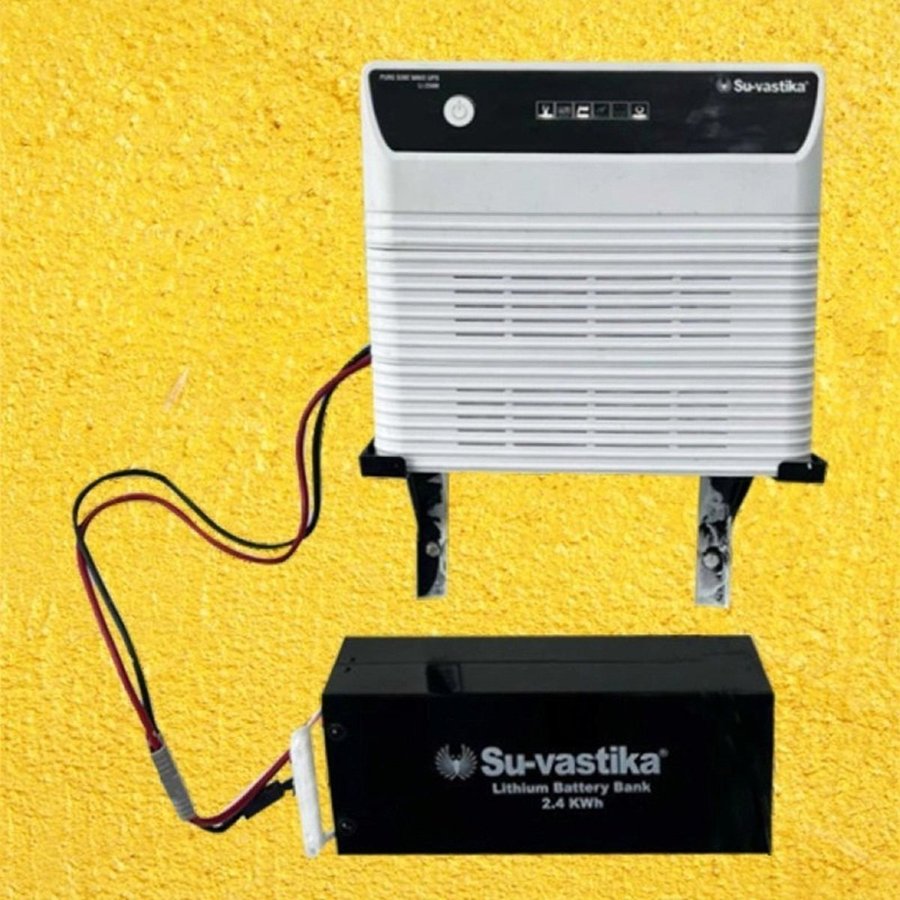
Is your inverter not charging the battery? Before you call a technician, most causes are simple — a tripped fuse, loose terminal, low mains voltage or a tired battery. This guide walks through every common reason an inverter/UPS stops charging and how to fix each one safely.
When an inverter runs but the battery never fills up, the backup time keeps shrinking until one day there is no backup at all. The good news: in most homes the cause is something you can check in a few minutes. Let’s go from the easiest checks to the ones that need a service engineer.
Quick diagnosis: common causes at a glance
| Symptom | Likely cause | Quick fix |
|---|---|---|
| No "charging"/"mains" light | No AC input, tripped MCB or blown input fuse | Check the wall socket, MCB and input fuse |
| Mains light on, battery still flat | Blown charging fuse or loose battery terminal | Tighten/clean terminals; replace charging fuse |
| Charges very slowly / never reaches full | Low mains voltage or undersized charger | Check input voltage; use a low-voltage charger |
| Battery gets hot but won’t hold charge | Sulphated / end-of-life battery | Test battery; top up water (lead-acid); replace if dead |
| Charges in summer, stops in heat | Temperature cut-off (ATC) protecting the battery | Improve ventilation; normal safety behaviour |
1. Check the mains input first
The charger can only work if it is actually getting power. Confirm the "mains" or "charging" LED is on. If it isn’t, the inverter is running on battery and never charging. Check that the wall socket has power, the MCB hasn’t tripped, and the input fuse on the inverter is intact. A blown input fuse is one of the most common — and cheapest — reasons an inverter stops charging.
2. Low mains voltage (very common in rural areas)
Most ordinary chargers only work between about 140–270 V. If your area has low voltage — common in villages and at peak load — the charger simply stops, even though the mains light may flicker on. This is why Su-vastika designed its charger to keep working down to as low as 100 V, so the battery still charges where ordinary inverters give up. If low voltage is your problem, a low-voltage charging inverter is the real fix.
3. Blown charging fuse
Separate from the input fuse, most inverters have a charging/DC fuse between the unit and the battery. If it blows (often after a loose connection or a spark), the inverter keeps powering your home from the battery but never recharges it — so backup time falls every day. Switch everything off, inspect this fuse, and replace it with the same rating.
4. Loose, dirty or corroded battery terminals
Charging current is high, so even a slightly loose or white/green corroded terminal adds resistance and stops proper charging. Power down, disconnect, clean the terminals, and re-tighten them firmly. Always reconnect with correct polarity — reverse polarity can blow the charging fuse instantly.
5. The battery itself is the problem
Sometimes the inverter is fine and the battery is at the end of its life. A deeply discharged, sulphated or dried-out lead-acid battery may refuse to accept charge, heat up, or show full voltage that collapses under load. Things to check:
- Water level (lead-acid/tubular): low electrolyte stops charging — top up with distilled water only.
- Resting voltage: a healthy 12 V battery reads about 12.6–13 V at rest; well below that and it may be failing.
- Age: most lead-acid inverter batteries last 3–5 years. Beyond that, charging problems are often the battery, not the inverter.
If you’re weighing a replacement, our guide on C1, C10 & C20 battery capacity explains how to pick the right one.
6. Wrong charger settings or battery type
Many inverters let you select the battery type (tubular, flat-plate, SMF/VRLA, lithium) or a charging-current/eco mode. If the wrong type is selected, or the current is set too low, the battery charges weakly or not at all. Set it to match your actual battery. For how staged charging and temperature compensation should work, see our full guide to inverter/UPS charging.
7. Temperature cut-off (ATC) — sometimes it’s working as designed
A good charger uses Automatic Temperature Compensation (ATC) and will stop or slow charging when the battery is too hot — especially lithium. If charging pauses in peak summer or in a closed cabinet, improve ventilation. This isn’t a fault; it’s the charger protecting your battery’s life.
8. Faulty charging circuit (call a professional)
If mains is present, fuses and terminals are good, and the battery is healthy but it still won’t charge, the charging section on the control card may have failed. This needs a qualified service engineer — don’t open a live unit yourself.
Safety first: always switch off the mains and the inverter before touching fuses or battery terminals. Batteries can deliver a huge current — remove metal jewellery and avoid shorting the terminals.
Frequently asked questions
Tired of charging problems? Su-vastika inverters charge down to 100 V with a smart six-stage, temperature-compensated charger.
See Su-vastika inverters Talk to usRelated Su-vastika guides
- Inverter/UPS charging explained: capacity, time, ATC & battery life
- Inverters with low-voltage charging
- ATC charging for lead-acid batteries
- C1, C10 & C20 battery capacity explained
- How to fix an overload problem in an inverter/UPS
Su-vastika in the news: Business Standard — Su-vastika launches up to 500 KVA Lithium Battery UPS.

Disclaimer: This article is written by Kunwer Sachdev, mentor of Su-vastika. Kunwer Sachdev is no longer associated with Su-Kam Power Systems Ltd. in any capacity. Anyone dealing with Su-Kam should be aware that Kunwer Sachdev has no association with the Su-Kam brand or company.